External Users in the Signature Portal
Definition: Who is an external user?
We distinguish users by their management level:
Internal users: Persons managed in your primary directory (e.g. AD or Entra ID) or created directly in the portal IDP as internal employees.
External users: Persons outside your organization. They can:
- Without account (ad-hoc): Act purely via an email link.
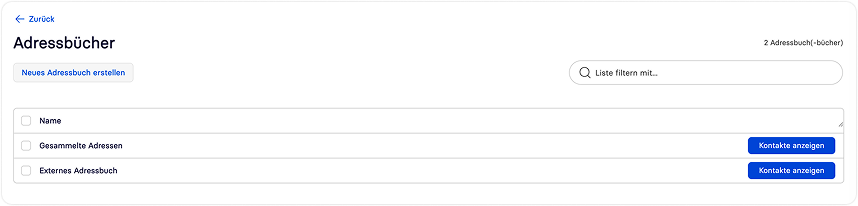
- Without account (managed in address book): Stored by you in the address book to quickly start workflows without the external user needing a login.
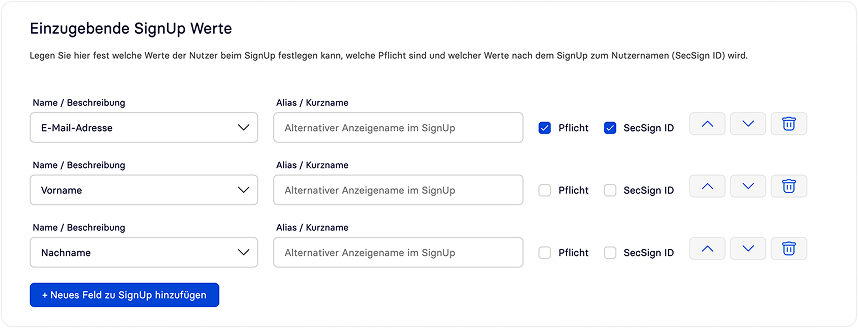
- Registered external: With own login and permanently linked authentication (e.g. for regular suppliers).
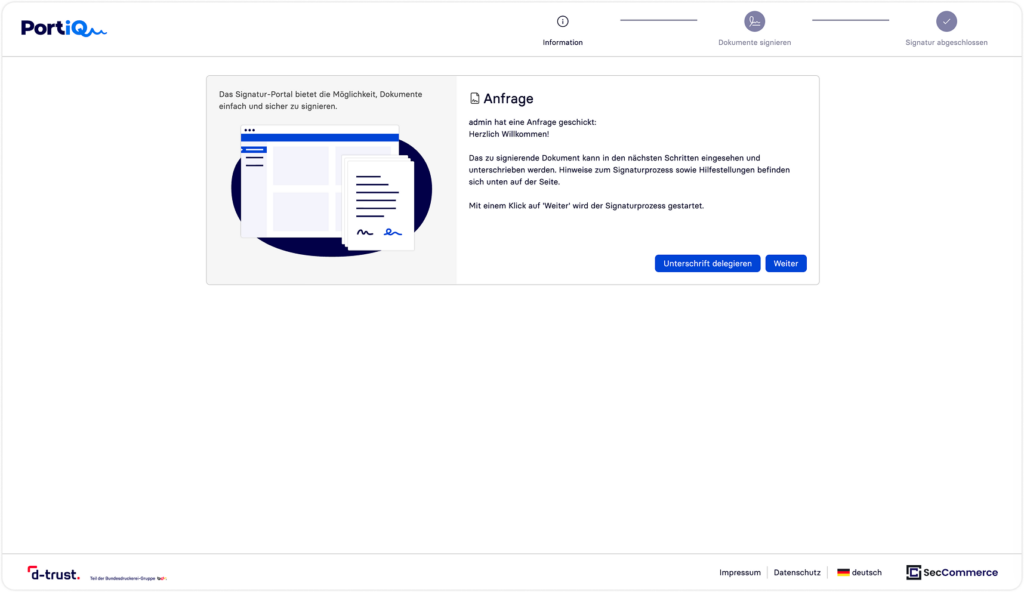

The balancing act: Data privacy vs. user comfort & security
A. External users without account (High comfort & address book advantage)
Central address book: You can create externals in the portal’s address book.
Advantage: The workflow starter can immediately select these persons without having to manually type data.
The external user still does not need a login (no password management required).
Access protection: Documents are protected via 2FA (SMS OTP or email OTP).
Data privacy: Optional deactivation of permanent storage of external data after process completion.

B. Registered external users (Maximum security & cooperation)
For partners with very frequent interactions, registration (SignUp) offers the highest security standards:
Secure 2FA binding: After onboarding, the external user can link a highly secure 2FA such as the SecSign ID App or FIDO (biometrics).
Trust anchor: For each subsequent access, the external user uses this secure method. You cooperate with external partners at the same security level as with internal employees.

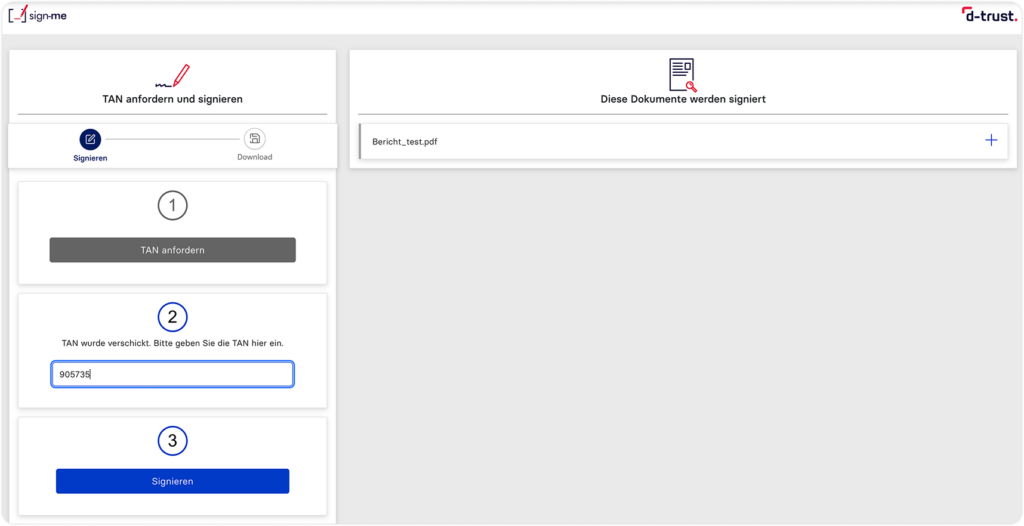
Qualified Signature (QES): The guided process
Our portal offers a fully integrated in-band process that guides the external user step by step through identification and signature.
Automated status check: The system checks in real time: Is the user already registered and identified with the preferred VDA (e.g. D-Trust/sign-me)?
Direct identification: If not, the external user is guided into the identification process without media breaks.
Depending on the VDA, various methods are available:
- VideoIdent (call with experts)
- eID (online ID via smartphone/NFC)
- AutoIdent (AI-powered via ePassport/app)
- On-site ident
Cost control: You determine whether your company covers the identification and signature costs or whether the external signer (e.g. with an existing account) pays themselves.

Hybrid Signature Methods
Should direct digital signing not be possible, the portal offers flexible alternatives:
Own signature solution: The external user downloads the document as a ZIP, signs it locally with their own tools/cards, and uploads it for verification. For example, for users who still have a signature card.
Analog signature: Download, print, handwritten signature, and return by post (receipt is manually documented in the portal).
As a customer, you can configure which options your external users should have.
Special Features for Complex Business Scenarios
To maintain maximum flexibility with full control even when working with externals, the portal offers specialized features for everyday work:
Secure delivery without email attachment: Do you want to transmit documents (e.g. confidential price lists or notices) without sending them as insecure email attachments? Via the portal, you can securely provide files and include explanatory information for the recipient directly in the protected area.
Provable delivery (non-repudiation): If you need proof that a document has reached the recipient, the portal offers various escalation levels for the audit-proof workflow audit log:
- Level 1 (Light): Logging of timestamp, browser type, and IP address upon download (GDPR-compliantly anonymizable).
- Level 2 (Medium): The download is only unlocked after 2FA via SMS OTP. The log proves that the recipient received and entered the code – strong proof of receipt.
- Level 3 (Strong): The user must register/authenticate, allowing every interaction to be unambiguously attributed to their identity.
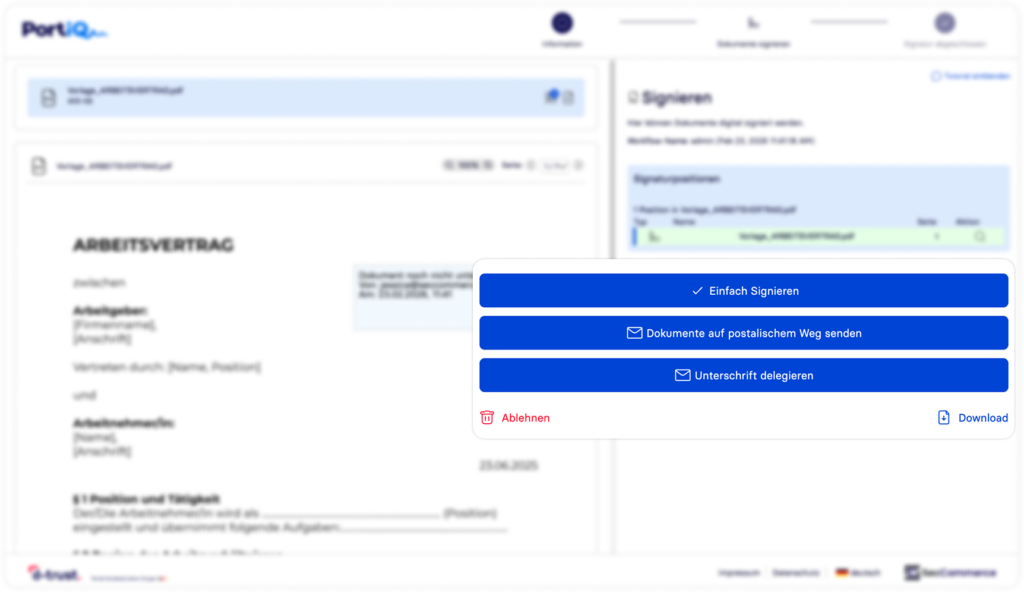
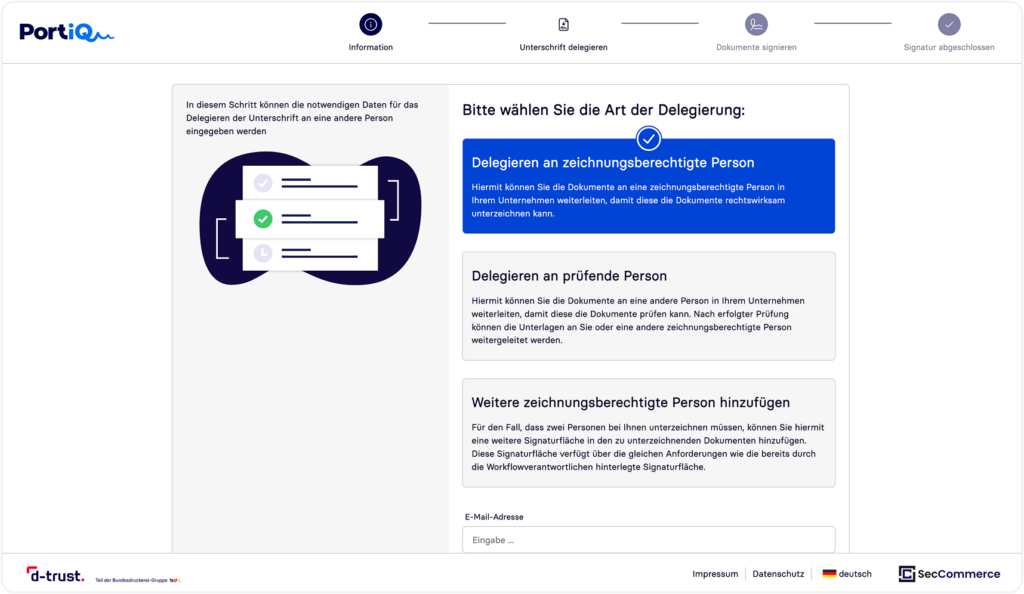
Intelligent delegation (representative rules): Who hasn’t experienced this? Procurement sends a contract to an external contact, but that person is not authorized to sign internally. In this case, the external user can delegate the workflow to the responsible person. To keep you in control, it can be configured so that the workflow manager must first review and actively confirm this delegation before the process continues.
External file upload (document management): You often need additional documents from external partners within a process – for example in HR, where an applicant must submit health insurance certificates or university transcripts in addition to the employment contract. You can precisely define in the workflow template whether the external user must upload documents, what type of evidence is required, and how many files are needed. Only when all conditions are met can the process be completed.
Conclusion: Whether onboarding, contract management, or procurement – the signature portal is not just a tool for digital signatures, but a bridge for secure and structured collaboration with your external partners.