How payment works at PortiQ
To purchase user quotas, you first need a user account.
1. Create an account
Before you can purchase a package, a brief registration is required.
After creating your account, you will have access to all available packages and subscriptions.
 Go to registration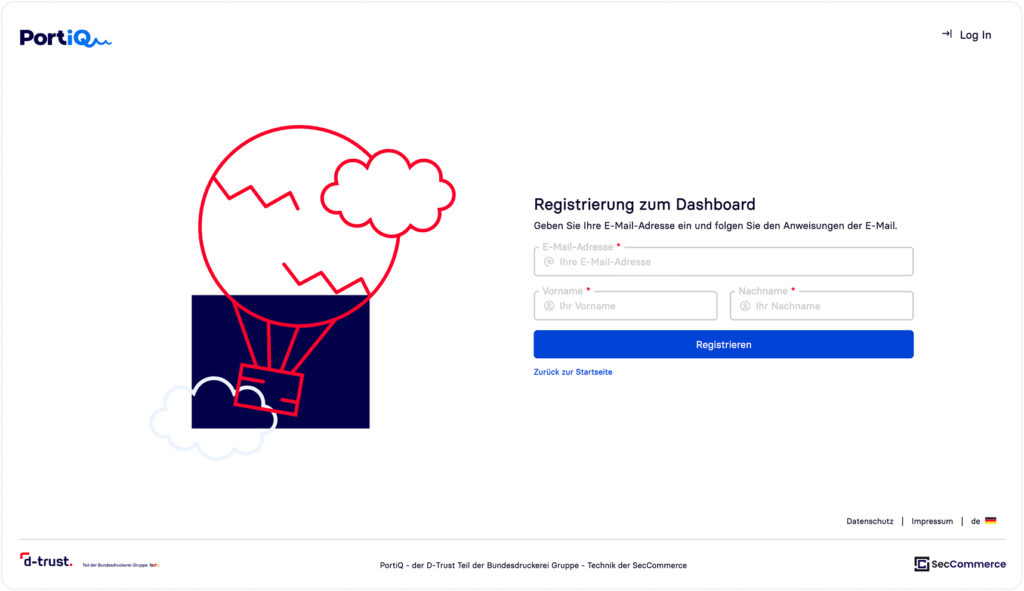
2. Select and purchase packages
In the “Purchase user quota packages” section, you can:
- Subscriptions (billed monthly or annually)
- Add-on packages (one-time billing)
select.
With a click on “Add to cart”, the desired package is placed in the shopping cart.
Please note:
- Subscriptions and add-on packages currently cannot be purchased together in a single order.
- Both package types must be purchased separately.
- It is possible to book multiple subscriptions at the same time.
- The applicable booking rules are displayed directly in the user interface.
To complete the purchase, click on “Buy (chargeable)”.

Note on selecting user quotas:
Option 1: Individual user
License for a single user.
Option 2: Tenant
Dedicated tenant environment for organizations.
- Minimum of 5 users, including at least one tenant administrator
- Upon completing the subscription, the existing user account is migrated to the tenant
- After that, interaction is only possible with users of the same tenant
If a subscription already exists, you can:
- change the user type on the ParentOrg
- add additional users on a tenant
If you are on a tenant (or in the future also on the ParentOrg after migration to a tenant), all user types are available for selection. A minimum of five users must be selected.
3. Payment methods
Online payment (via Stripe)
For direct online payment, we use the certified payment provider Stripe.
The following payment methods are available:
- Credit card (Visa, Mastercard, American Express)
- Klarna
Purchase on invoice
If you would like to order by invoice, please send an email to sales@seccommerce.com with the following information:
- Number of users per user type
- Signature level
- Deployment type:
- Public Cloud (PortiQ start)
- Private Cloud (PortiQ extended)
- In-house (PortiQ local)
Further information on deployment options as well as available user types can be found on the respective product pages.
Based on your information, we will create a customized offer and send it to you.